Inside your Microsoft 365 tenant
Copilot Circle stores no data outside your environment.

Variances explained in Excel, monthly commentary drafted from the figures and board slides built from the quarterly report. Copilot Circle helps your finance team do it with Microsoft 365 Copilot, every day.
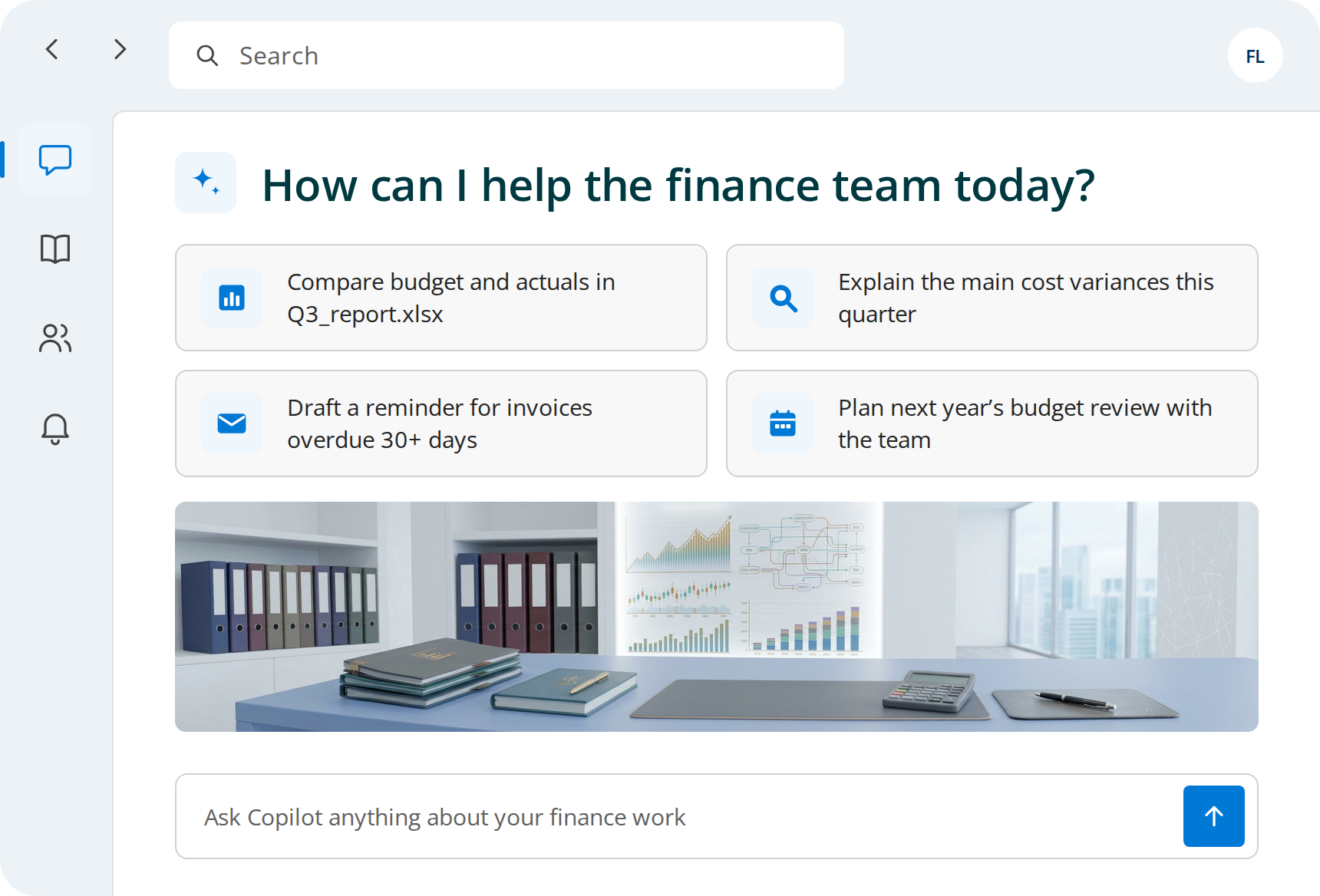




Every month the team pulls the data, builds the pivot and looks for what moved.

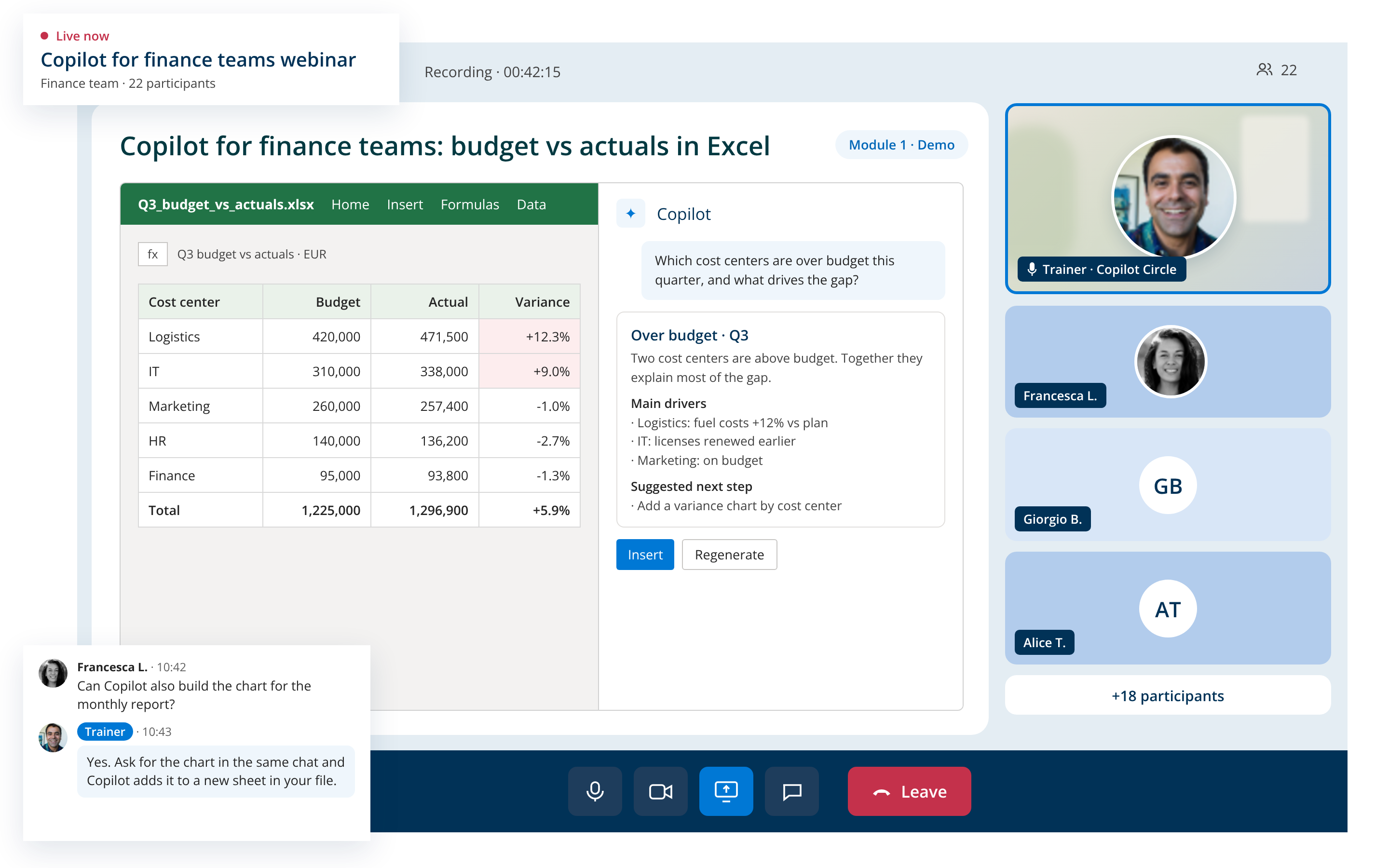
Copilot in Excel highlights outliers, writes formulas and explains which cost centers moved and why, without exporting data.
The figures are ready, but writing the story behind them takes another day.
Copilot in Word drafts the monthly commentary from the figures and last month’s structure.
Managers ask for the same numbers by email, and each reply means opening three files.
Copilot finds the figure in the latest report and drafts the reply in Outlook, citing the source file so it is easy to check.
Same structure, new numbers, and still hours of copying charts into slides.
Copilot in PowerPoint turns the quarterly report into a first deck, with one chart and one message per slide.
Finance runs on Excel, deadlines and checks. When the first training uses generic examples, people go back to the formulas they trust, and the licenses keep running.
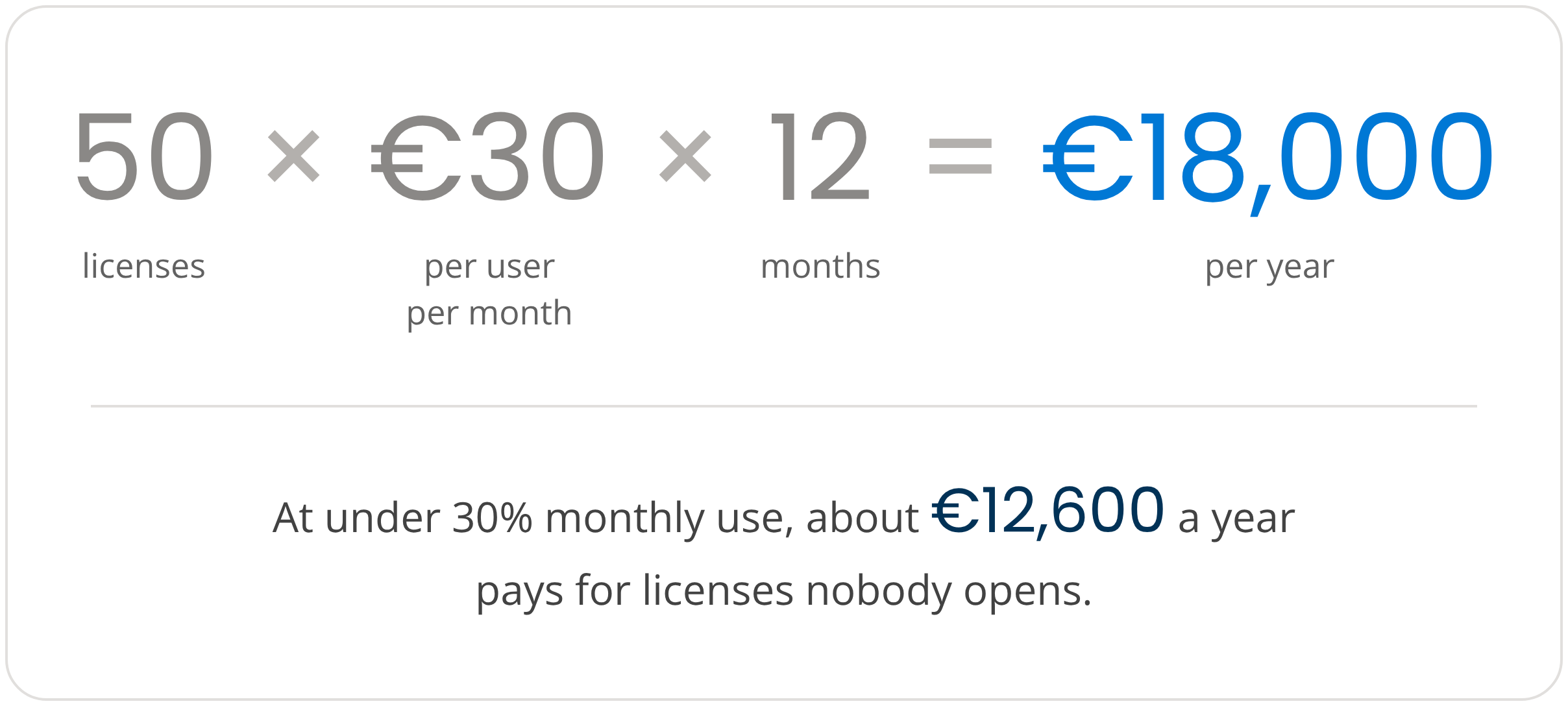
The math is simple, here is an example with 50 licenses.
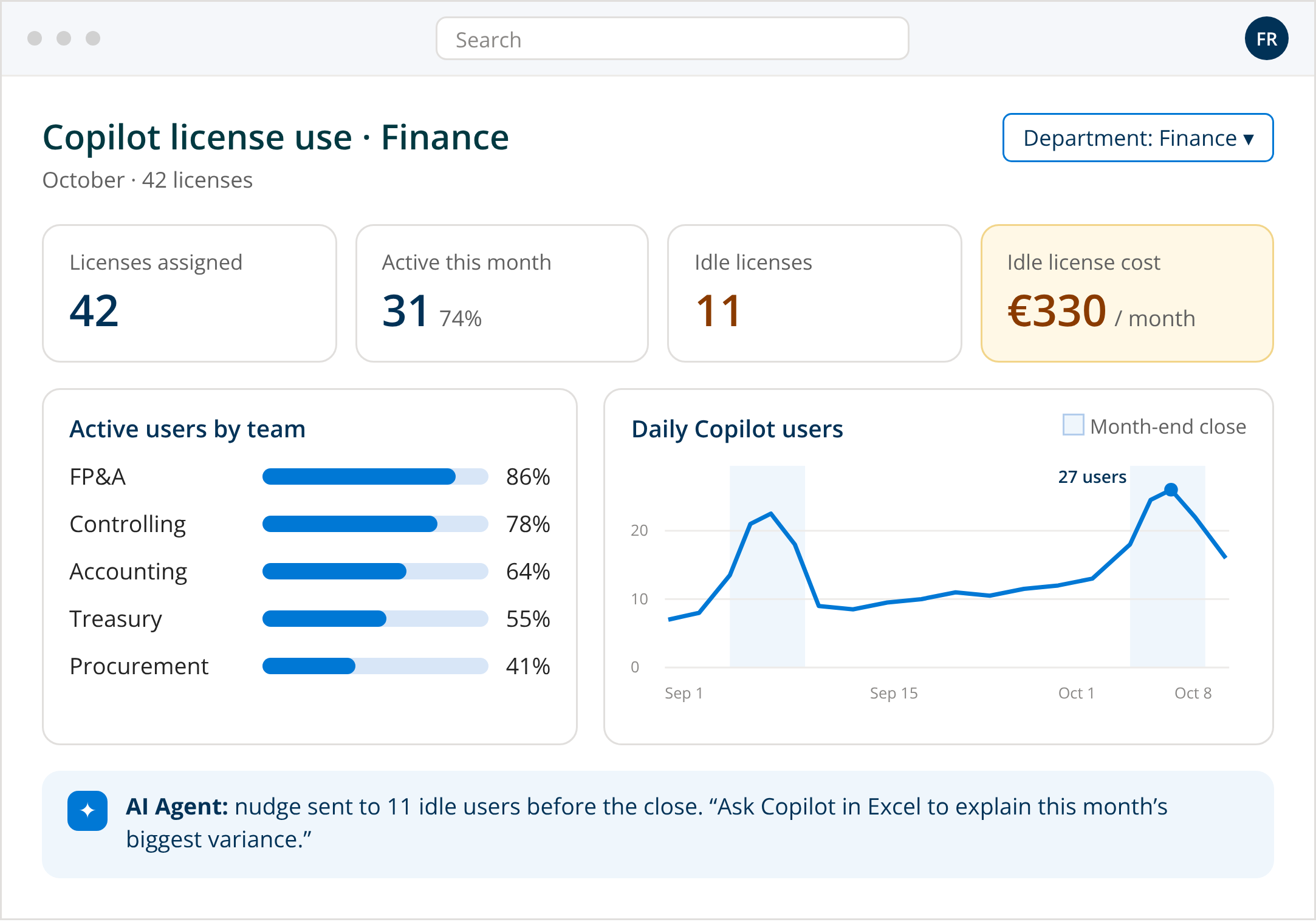
An AI Agent connects to your Microsoft 365 tenant, sees how each person in finance uses Copilot and sends the right prompt, tip or course in Microsoft Teams, before the busiest days of the month.

Controlling, accounting, FP&A: Copilot usage updated in real time.

Each person is placed in one of four maturity levels from real usage.

Prompts and short courses in Teams, timed around the close.

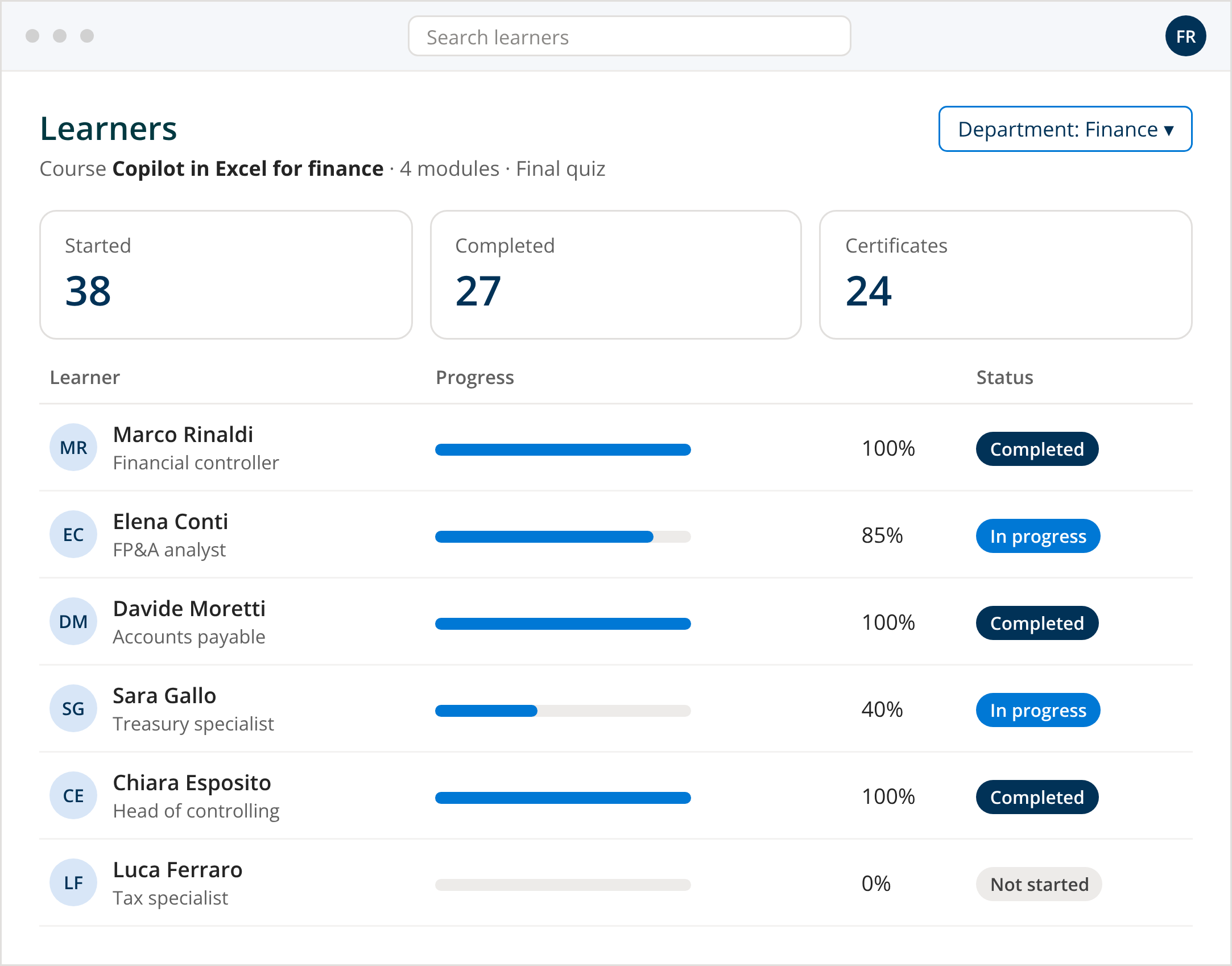
Short courses with quizzes and certificates, in 40+ languages.

600+ ready prompts by Microsoft 365 app and role.

Rankings and badges that bring the best prompts to the whole team.
Finance works in Excel, so the courses start there and move on to reports and board slides. Each one keeps the team in control of the numbers.







Automation gets you far, but sometimes your team needs a real person. Our certified trainers deliver hands-on sessions. The AI Agent identifies who needs human support and when.

Practical sessions where your team works through hands-on exercises.

Webinars on how to coordinate orders and invoices, run a financial analysis, and evaluate and plan a budget.

A Copilot specialist reviews progress and plans the next step.
✔ Real Finance team tasks.
✔ Colleagues who support each other.
✔ Know-how that stays in the company.
Yes. Copilot Circle runs inside your Microsoft 365 tenant and stores no company data outside it, and Copilot only reads files each person can already open, so payroll and forecasts stay restricted.
Copilot Circle stores no data outside your environment.
Copilot only works with content users can already access.
Operations aligned with Microsoft policies.
Copilot drafts analyses, your team verifies every figure.
One of our specialists will get back to you within 24 hours.
No, they are two different things. Copilot for Finance, now called Finance Agent, is a Microsoft solution included in the Microsoft 365 Copilot license that works in Excel and Outlook. Copilot Circle is the platform that gets your finance team to use Copilot every day, with courses, prompts, nudges and adoption data. Read our guide to Microsoft Copilot for Finance to see what the Microsoft solution does.
Microsoft 365 Copilot costs about €30 per user per month, so 50 licenses are around €18,000 a year. When monthly active use stays under 30%, which is common after a single training session, roughly €12,600 of that pays for licenses nobody opens. The same calculation scales with your own numbers.
Yes, in two ways. Finance Agent connects Copilot to Dynamics 365 Finance, SAP and other ERP systems for reconciliation and customer communications, once an administrator sets it up. For everyday analysis, Copilot works on the ERP exports your team already opens in Excel, calculating variances, explaining what moved and building the charts.
Copilot only reads files each person can already open, so restricted folders stay restricted, as long as permissions are set correctly. Copilot Circle runs inside your Microsoft 365 tenant, is GDPR compliant by design and stores no company data outside your environment. Copilot prepares the work, and your team checks every figure before it is used.
Adoption analytics by team and role, automatic classification of each person into one of four maturity levels, nudges in Teams timed around the close, microlearning that starts in Excel, 600+ ready prompts and live training with certified trainers. It is an annual subscription in four plans, based on the number of Microsoft 365 licenses.