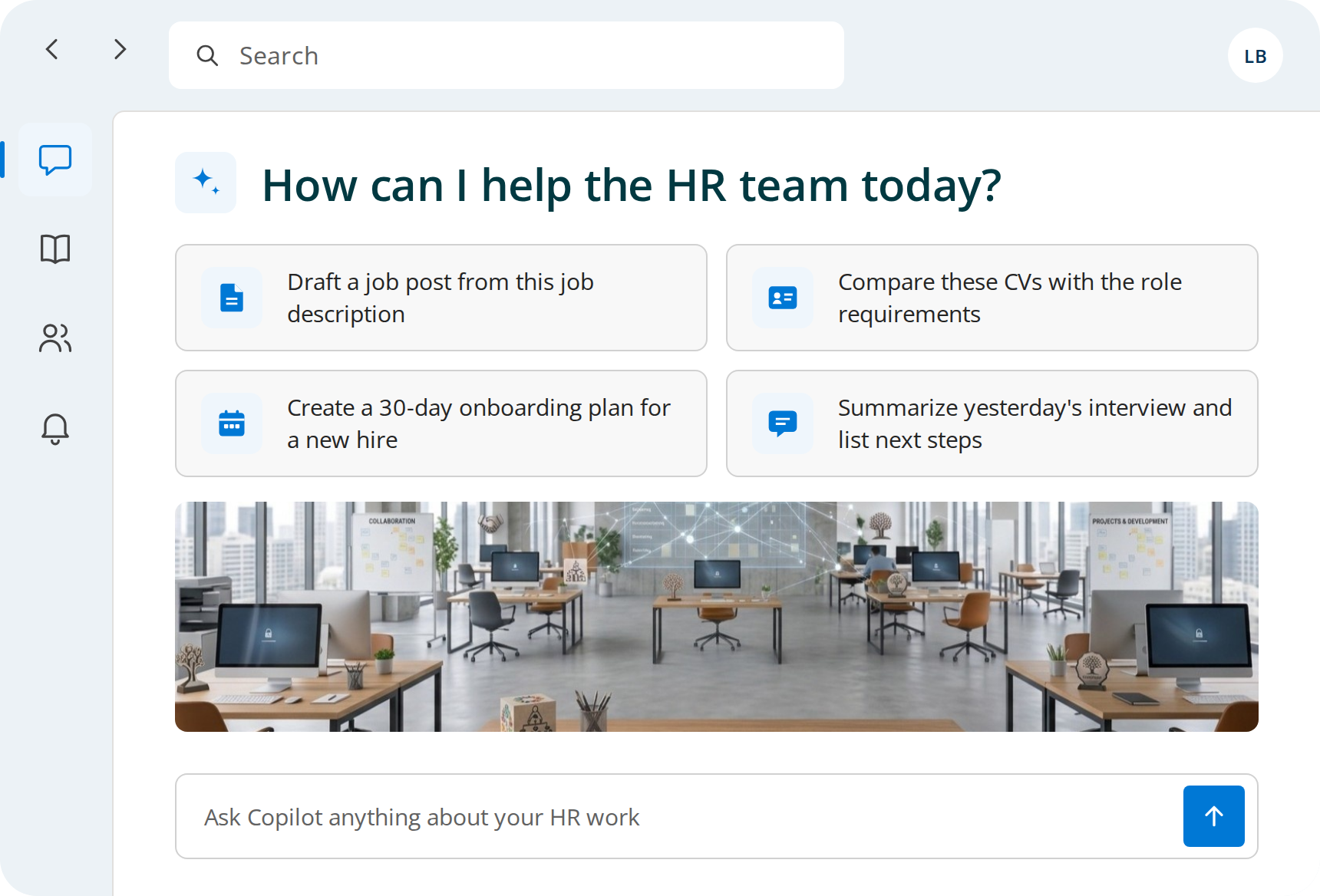
Start from your brief
Reference /Campaign brief and /Brand guidelines, so Copilot works from your message, audience and colors.

Briefs, posts, and campaign reports built from your own guidelines and data. Copilot Circle helps your marketing team do it with Microsoft 365 Copilot.
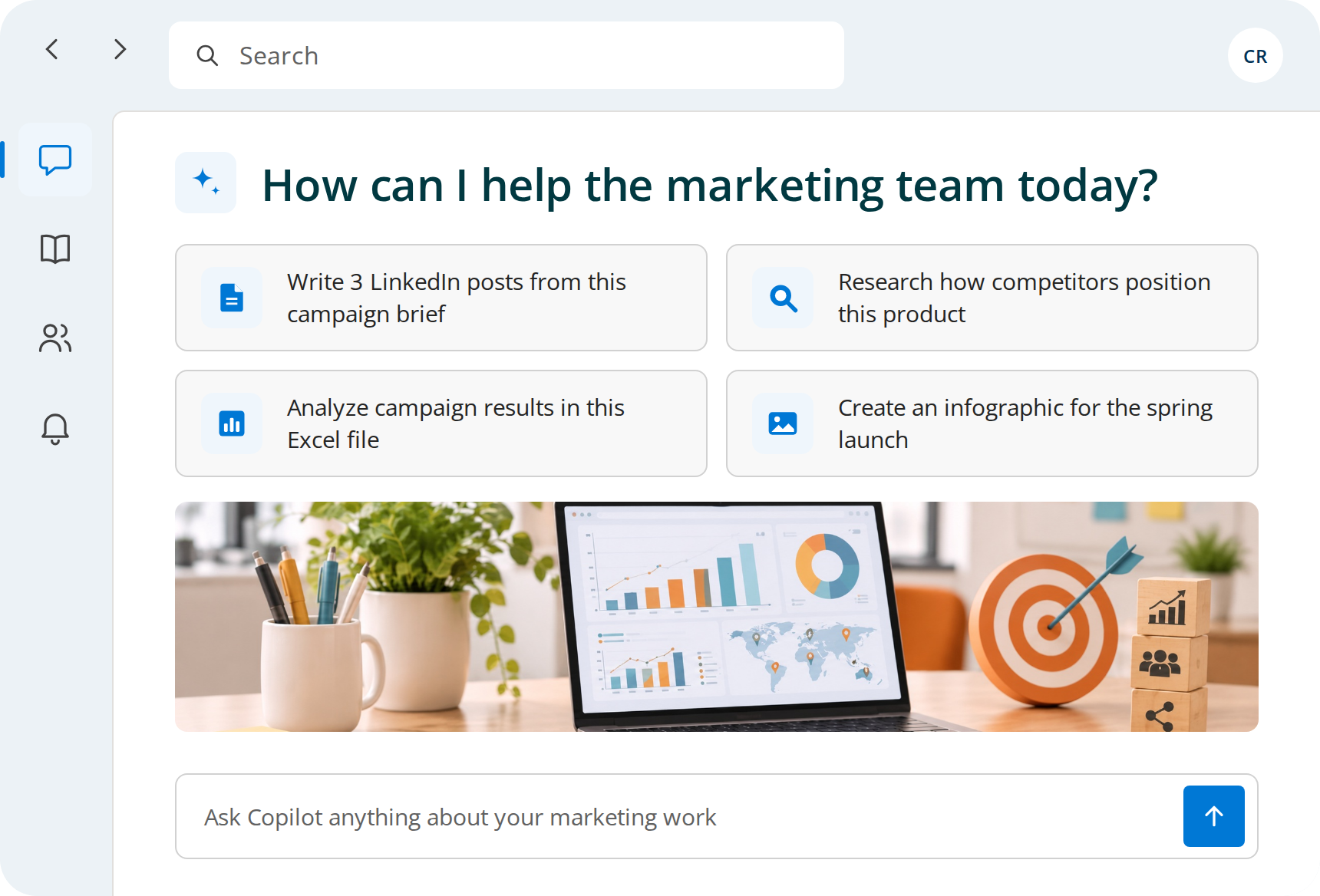


Competitor pages, reports and old decks, read one by one before any planning starts.

Researcher combines web sources and your internal files into a report with citations, in hours instead of days.
The same message rewritten for LinkedIn, newsletter and website, one version at a time.
From one brief and your brand guidelines, Copilot drafts posts, emails and articles for each channel in your tone of voice.
Small visuals for social and slides queue up behind bigger design projects.
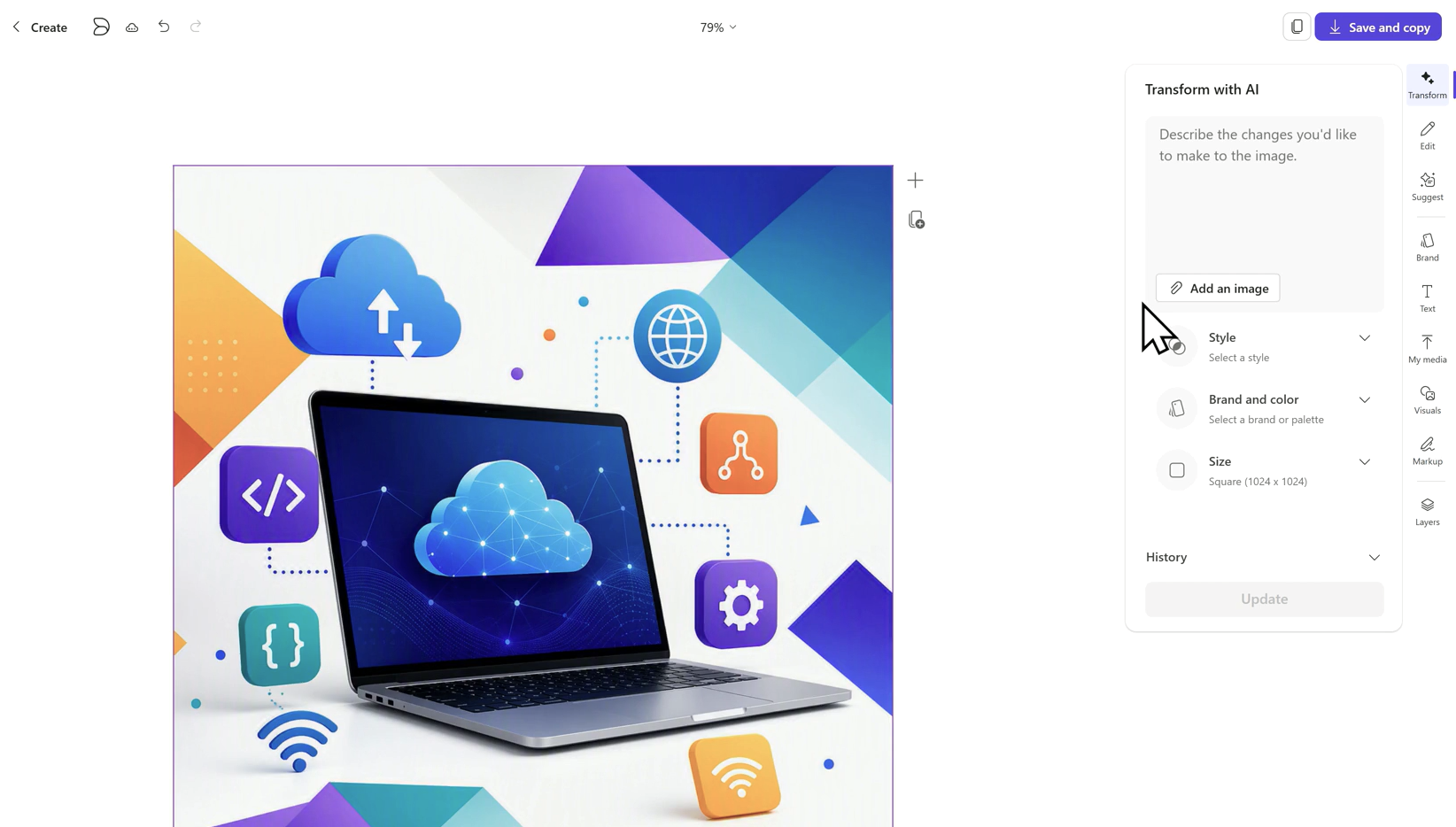
With Create, Copilot makes images and infographics in your brand colors, as first drafts for the design team to refine.
Exports pile up in folders and the monthly report is built at the last minute.
Copilot in Excel finds trends and top channels, and Copilot in PowerPoint turns them into the monthly deck.
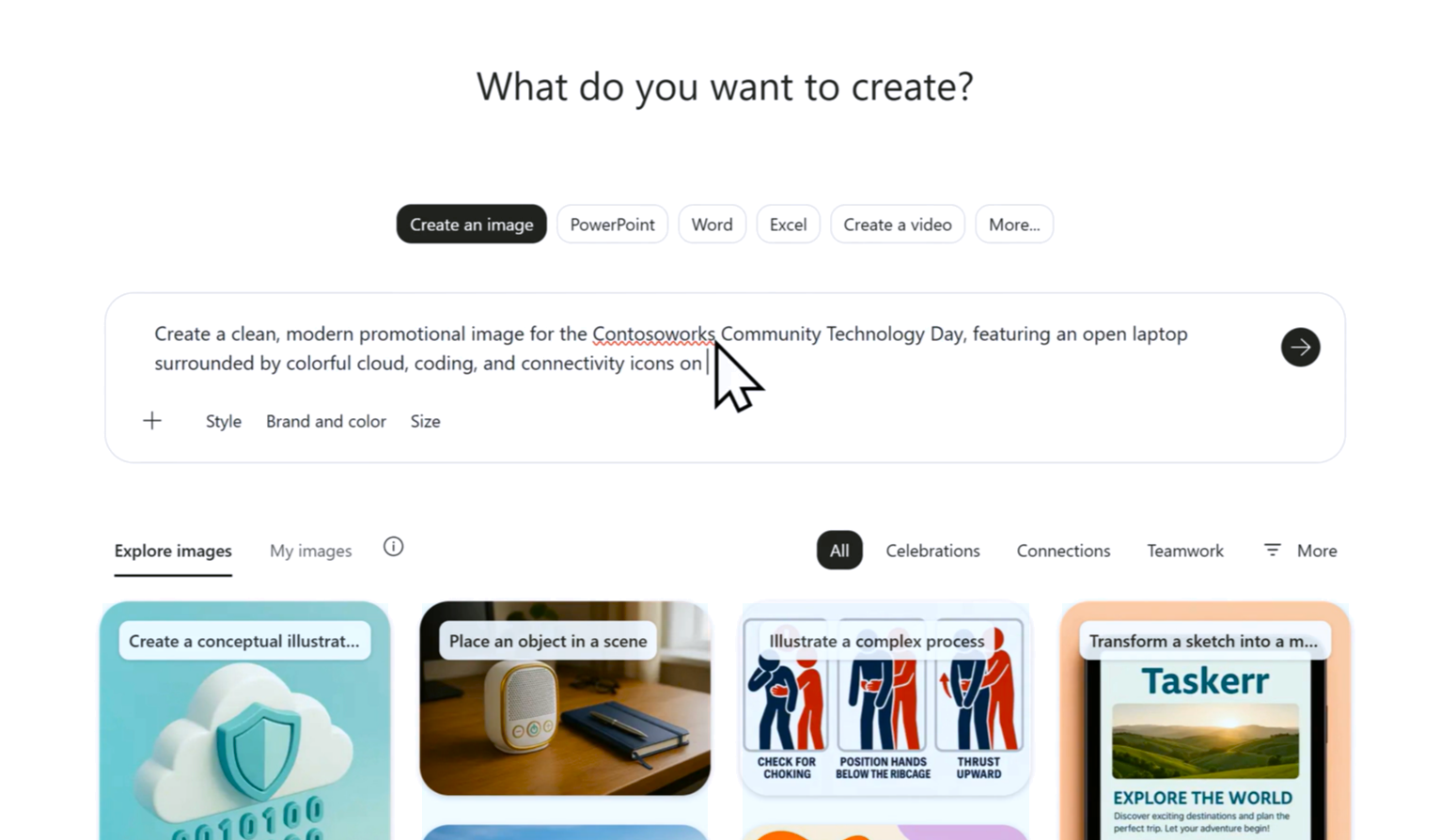
Copilot is not only for text. With Create in the Microsoft 365 Copilot app, marketers turn a brief into images, infographics, banners, posters and short videos, then adapt them to each channel. The starting point is always your own brief and guidelines.
Reference /Campaign brief and /Brand guidelines, so Copilot works from your message, audience and colors.

Image, banner, infographic, poster or short video, in the size each channel needs.

Compare a few options, change the headline or ask for more like the one you prefer.

Save drafts to SharePoint, where designers refine the ones that go live.
The same brief becomes a LinkedIn post, a newsletter header and a launch slide. Copilot drafts each one in the right app, and the team reviews before anything is published.
After the first training session, most people forget what to ask Copilot.
Training emails stay unread and new features go unnoticed.
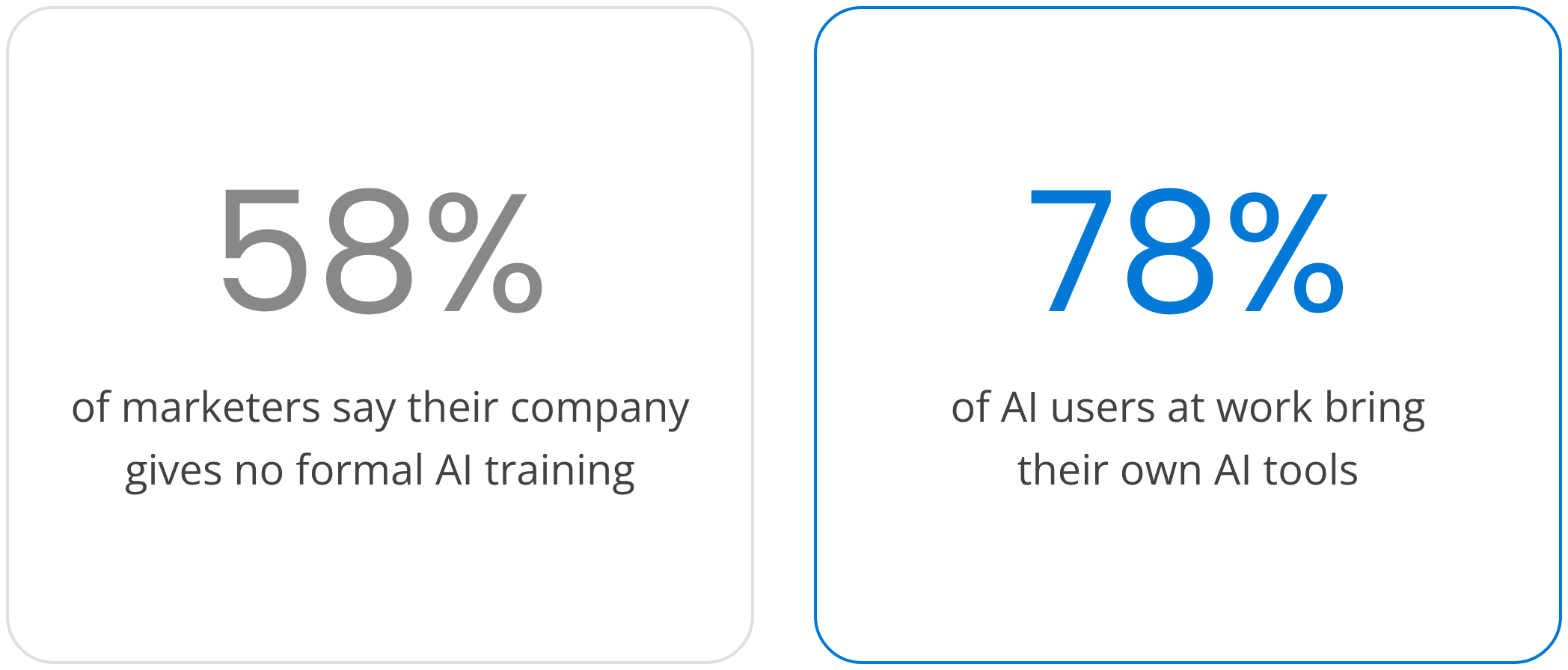
Marketing AI Institute, State of Marketing AI Report 2025
and Microsoft and LinkedIn, Work Trend Index 2024
An AI Agent connects to your Microsoft 365 tenant, sees how each marketer uses Copilot and sends the right prompt, tip or course in Microsoft Teams. No surveys, no extra tool to open.

Copilot usage by team, role and person, updated in real time.

Each marketer is placed in one of four maturity levels from real usage.

Prompts, tips and short courses in Microsoft Teams.

Short courses with quizzes and certificates, in 40+ languages.

600+ ready prompts by Microsoft 365 app and role.

Rankings and badges that bring the best prompts to the whole team.
Practical courses that follow a campaign. Marketers learn on content and data like their own.






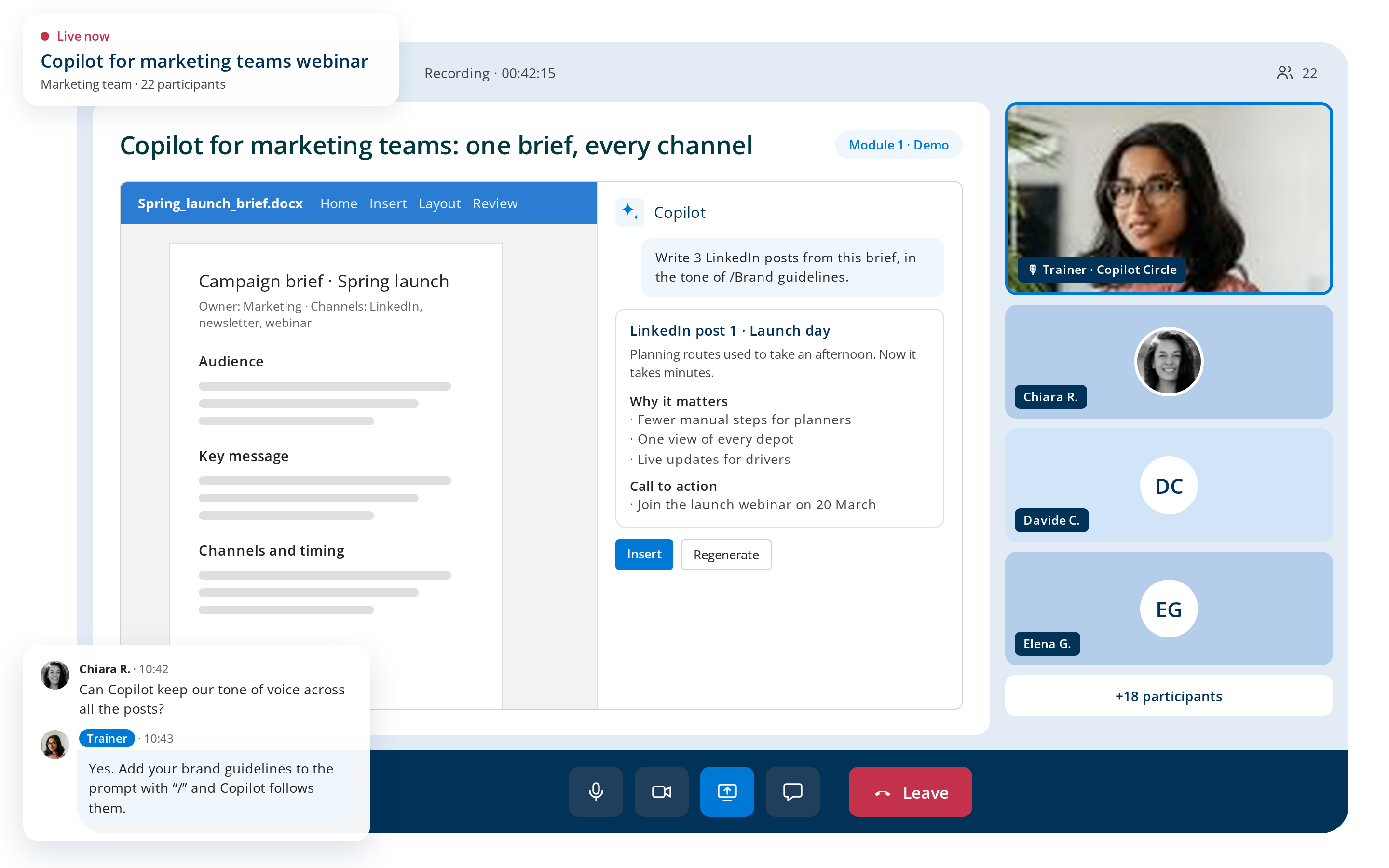
Automation gets you far, but sometimes your team needs a real person. Our certified trainers deliver hands-on sessions. The AI Agent identifies who needs human support and when.

Practical sessions where your team works through hands-on exercises.

Webinars on how to conduct market research, create content, analyze a campaign's performance.

A check-in with a Copilot specialist to review progress.
✔ Real Marketing tasks for your team.
✔ Colleagues who support each other.
✔ Know-how that stays in the company.

Copilot Circle runs in your environment and stores no company data outside it.
Copilot only works with content each marketer is already allowed to see.
Native integration with Microsoft Entra ID, operations aligned with Microsoft policies.
With Copilot in daily use, marketers stop pasting briefs and unreleased campaigns into personal AI accounts.
One of our specialists will get back to you within 24 hours.
Content and social roles save time on drafts and on adapting them per channel, SEM and SEO specialists on analysis and reporting in Excel and PowerPoint, project managers on meeting recaps and status updates, analysts on exploring campaign data. Our guide to Copilot marketing use cases covers each role with prompts you can copy.
Copilot is not trained on your brand, it works from what you give it. The reliable way to scale this is to keep brand guidelines and approved examples in a shared location, reference them in every prompt, and build an agent that uses them as a knowledge source. Our prompt library and courses turn that into a habit for the whole team, rather than a trick a few people know.
Yes. With Create in the Microsoft 365 Copilot app, marketers generate images, infographics, banners, posters and short videos from a brief, in the format each channel needs. These are first drafts, and the design team refines the ones that go live, which is why our courses cover both prompting and the hand-off to design.
Because a single session teaches features, not habits. People forget what to ask, training emails go unread and new capabilities go unnoticed, while the license keeps running. Copilot Circle works the other way around: the AI Agent reads real usage, classifies each marketer by maturity level and sends the right prompt, tip or course in Teams at the moment it is useful.
Usage analytics across the marketing team, nudges between campaigns in Teams, microlearning with quizzes and certificates in more than 40 languages, 600+ ready prompts by app and role, live training with certified trainers and a workshop on your own campaigns. Everything runs inside your Microsoft 365 tenant.